
Sound frequency meter
Frequency Display
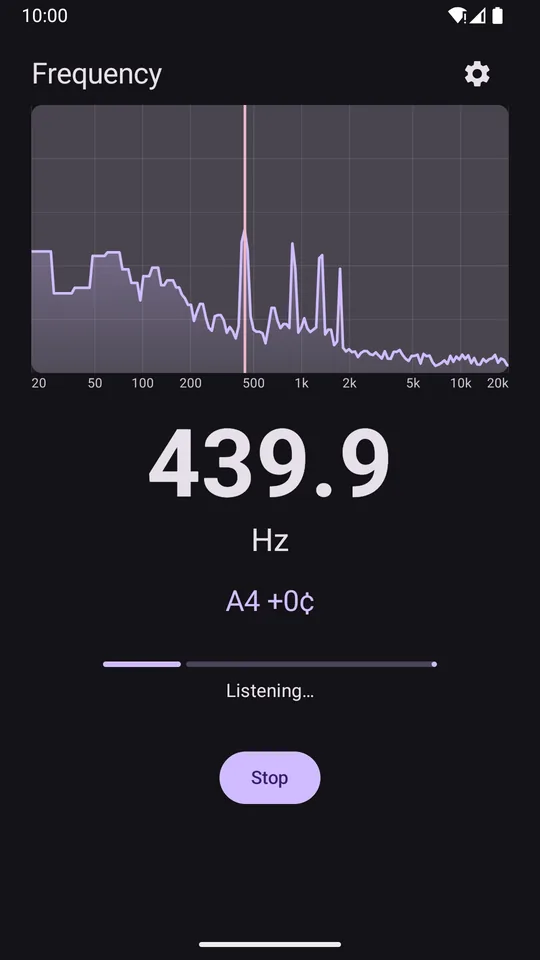
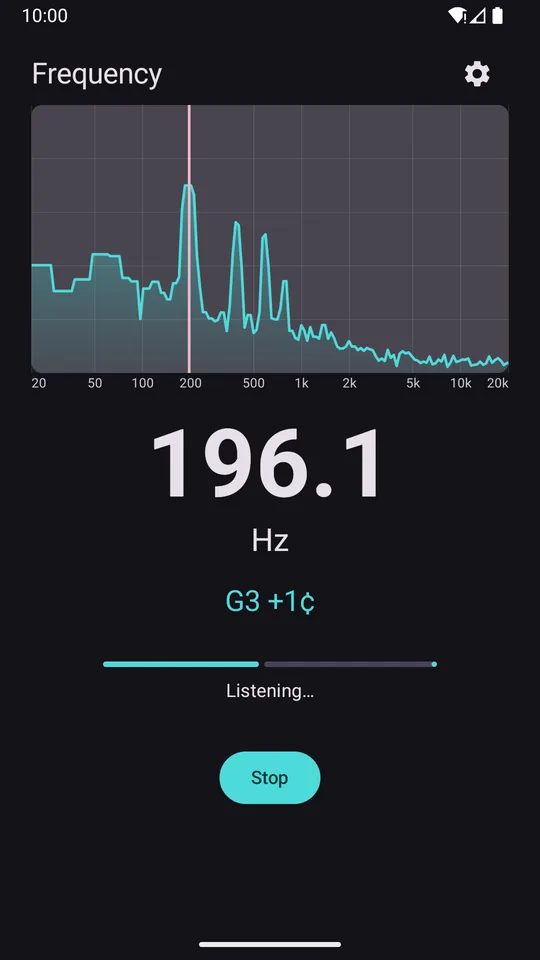
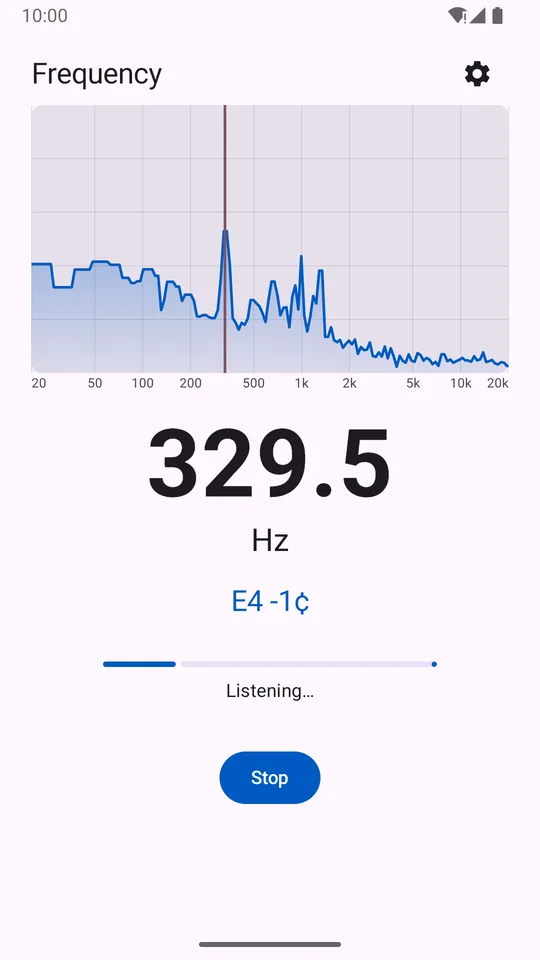
Frequency Display listens through your microphone and shows the main frequency of the sound around you, live, in hertz, along with the nearest musical note and a full spectrum from 20 Hz to 20 kHz.
Free with a small banner ad · One-time purchase removes ads · No account
20k
Hz top of the live spectrum, from 20 Hz
415–466
Hz A4 reference pitch
16384
samples maximum FFT size
0
bytes of audio saved or uploaded
Useful for
Hear it, see it, measure it
Musicians
Check the pitch of a voice, a whistle or an instrument, with the note and how many cents sharp or flat.
Hum and buzz hunting
Find the frequency of a hum, a buzz or a tone coming from a speaker or an appliance.
Audio testing
Test a tone generator, a speaker or a microphone, including USB and Bluetooth inputs.
Science class
Show students how sound works with a live spectrum they can see and play with.
Features
Precise, and easy to read
What you see
- The frequency in Hz, in large numbers you can read from a distance
- The nearest musical note, for example A4 +0¢
- A live spectrum with the main frequency marked
- A level meter, so you know when the sound is loud enough
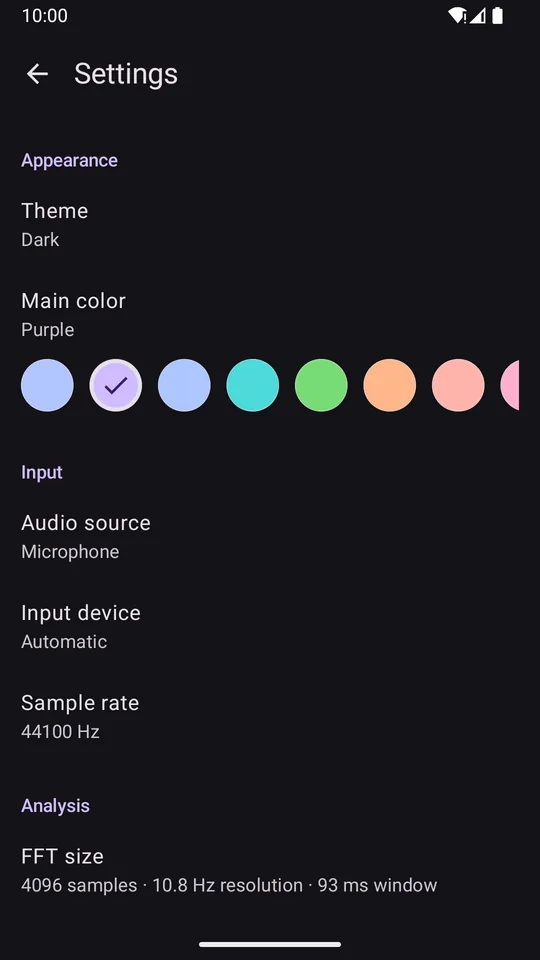
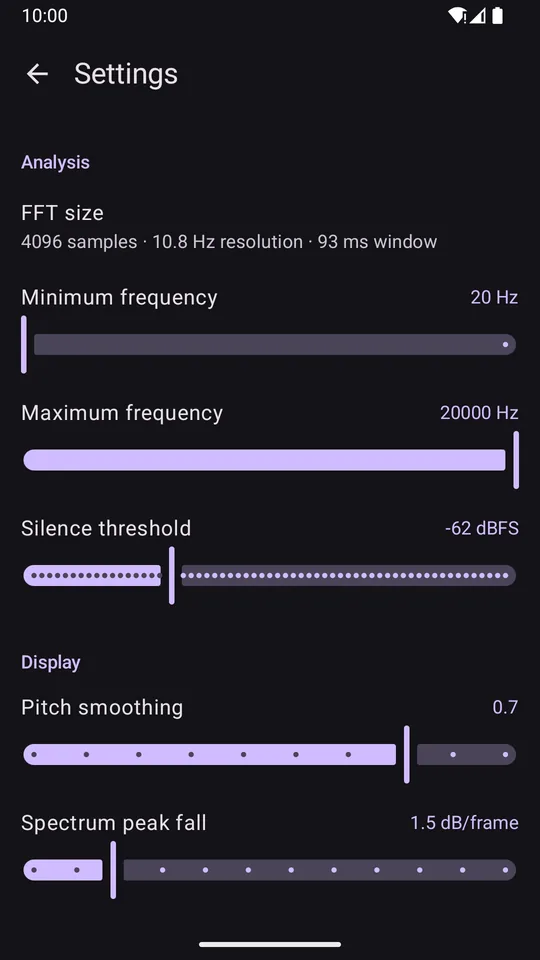
Fine-tune the measurement
- A4 reference from 415 to 466 Hz (440 Hz by default)
- Minimum and maximum frequency
- FFT size from 1024 to 16384 samples, with the resolution shown in Hz
- Sample rate from 8 to 48 kHz
- Silence threshold, smoothing and peak fall speed
Choose your input
- Built-in mic, wired headset, USB microphone or Bluetooth
- Unprocessed (raw) source on devices that support it
Make it yours
- Light and dark themes, or follow the system
- Seven main colors, or your wallpaper colors on Android 12 and newer
- Reset everything to the defaults with one tap
Screenshots
See it in action
Privacy
Private by design
Sound is analyzed in memory on your device. It is never recorded, saved or uploaded. There is no account or sign-in, and it measures without an internet connection.
How accurate is it?
Accuracy depends on the FFT size and sample rate. Settings show the resulting resolution in Hz, and larger FFT sizes give finer readings for steady tones.
Can it measure ultrasound?
It shows up to 20 kHz, the top of human hearing. What your phone can pick up near that limit depends on its microphone.
Can I use an external microphone?
Yes. Pick a wired headset, a USB microphone or a Bluetooth input as the audio source.
How do I remove the ads?
A one-time purchase in the app removes the banner for good, and it is restored automatically with the same Google account.