Voice recorder for Android
Digital Recorder MP3
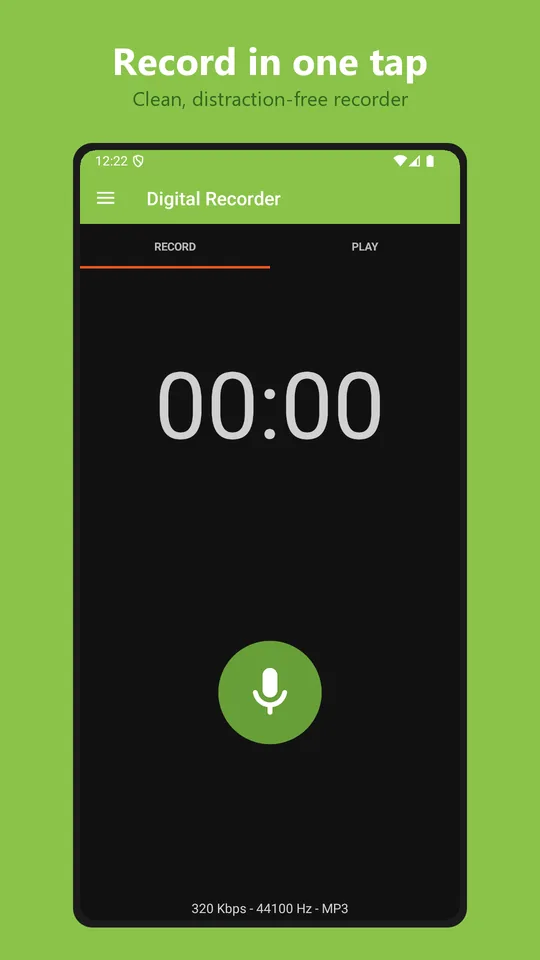
A simple, reliable voice recorder for lectures, meetings, interviews, notes and music practice. Tap once to record. It keeps going with the screen off, and your files are saved straight to your phone.
Free with ads · Optional one-time Premium · Try Premium free for 30 days, no card needed
4
formats: MP3, M4A, WAV, FLAC
320
kbps maximum MP3 quality
15
transcription languages, on device
49
app languages
Features
Everything a recorder should do
Record in any format
- MP3 for small files that play everywhere
- M4A (AAC) for high quality at a small size
- WAV for editing, FLAC for lossless (Premium)
- Sample rate up to 44.1 kHz, mono or stereo
- Choose the microphone, including wired and USB mics
Easy to control
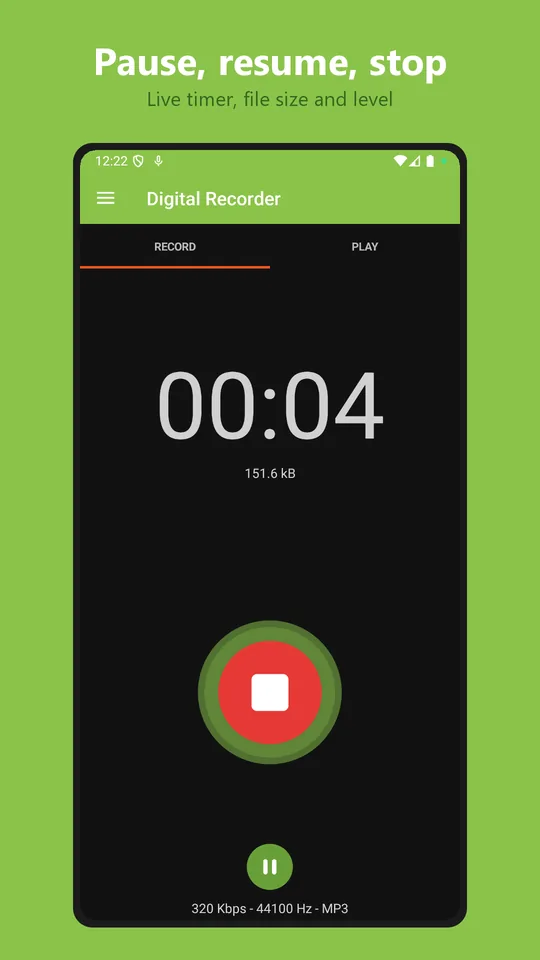
- Pause and resume without starting a new file
- Start and stop from the home-screen widget or the notification
- Live timer and sound level while recording
- Interrupted recordings are recovered automatically
Turn speech into text
- Transcribe recordings on your device
- No audio is sent to any server
- 15 languages, each downloaded once
- Search recordings by name, notes or spoken words
Clean up recordings
- Trim long silences automatically
- Keep the original or replace it
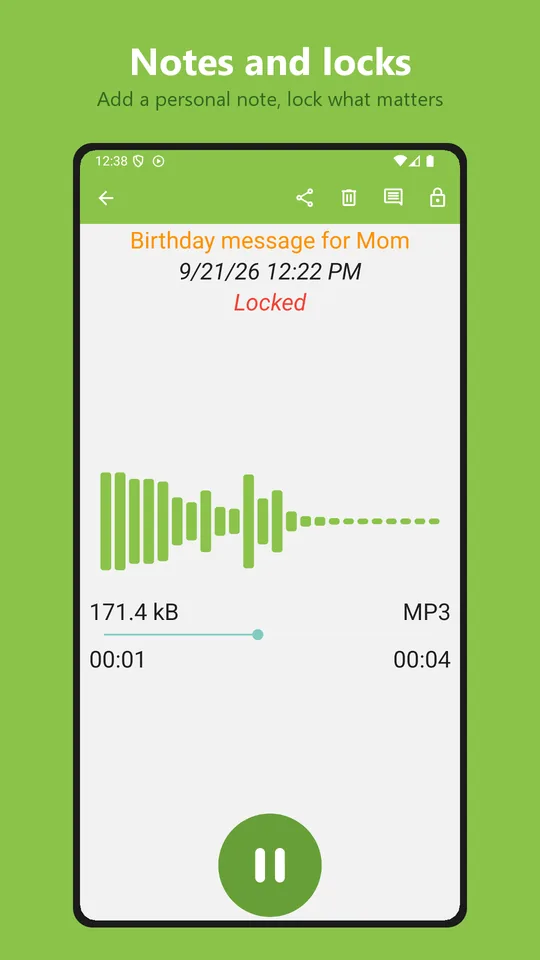
- Rename recordings and add notes
- Share, delete or edit several at once
Play back comfortably
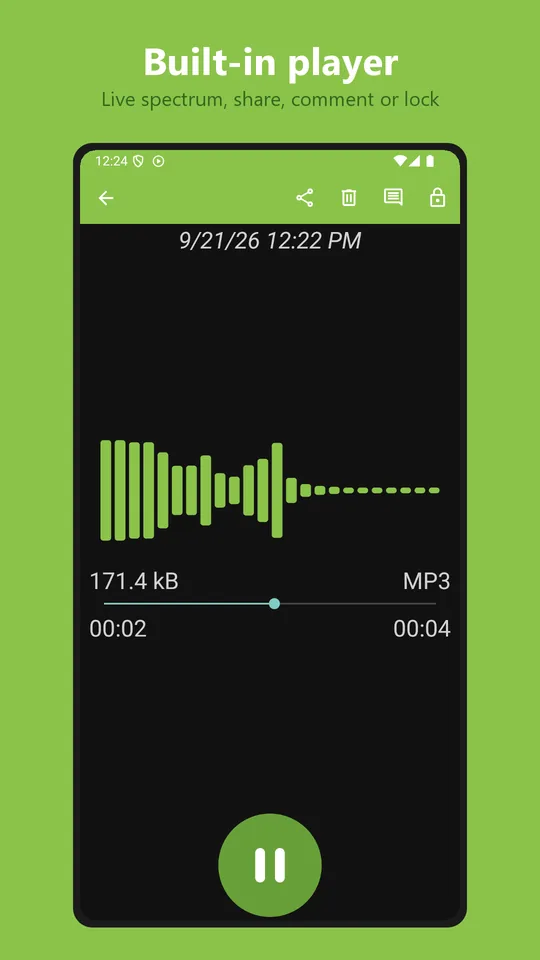
- Built-in player with a live spectrum
- Skip back or forward 10 seconds
- Lock screen, notification, headphone and Bluetooth controls
Automatic backup
- Upload new recordings to Google Drive or Dropbox
- Wi-Fi-only option to save mobile data
- Uploads wait for Wi-Fi and retry if they fail
- Premium feature
Screenshots
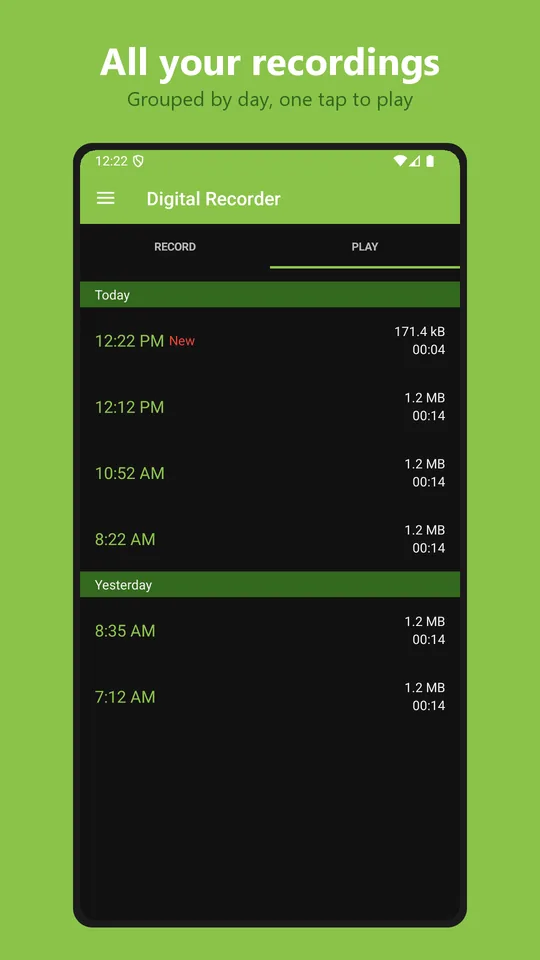
See it in action
Pricing
Free, or Premium once
Try every Premium feature free for 30 days, with no payment and no credit card.
| Free | Premium | |
|---|---|---|
| MP3, M4A and WAV recording | ✓ | ✓ |
| Transcription, search and silence trimming | ✓ | ✓ |
| Widget, notification controls and crash recovery | ✓ | ✓ |
| FLAC lossless recording and 320 kbps MP3 | — | ✓ |
| Google Drive and Dropbox backup | — | ✓ |
| Custom filename pattern and app color | — | ✓ |
| Ads | Small banner | None |
Privacy
Your recordings are yours
Recordings stay on your device unless you share them or turn on cloud backup. The microphone is used only while you are recording, and transcription runs entirely on your phone.
Where are my recordings saved?
In your phone’s Music folder, so other apps and your computer can find them.
Does it record with the screen off?
Yes. Recording continues with the screen off or while you use other apps, and you can stop it from the notification.
Is the transcription done online?
No. Speech-to-text runs on your device. Each language model is downloaded once, then works offline.
I bought Premium. How do I restore it?
Install the app with the same Google account. Premium is restored automatically from Google Play.